

Download Google Earth Plug In – free, secure Mac add‑on for 3D mapping
Overview
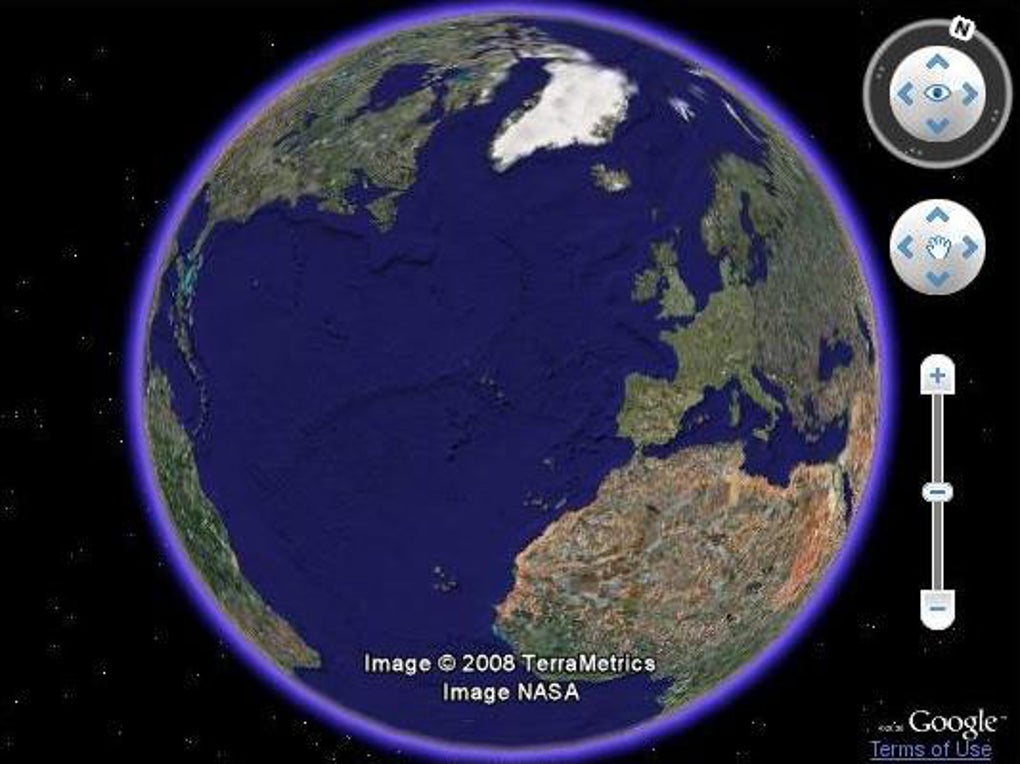
Google Earth Plug In for Mac is a lightweight, free add‑on that brings the power of Google Earth’s 3‑D globe directly into compatible web browsers and desktop environments. First released on Softonic on June 15, 2012, the plug‑in remains a popular choice for developers, educators, and casual users who want to embed rich geographic visualisations without paying for a full‑featured GIS suite. The current build (version 5.0.11655.6079) runs on macOS X or later and is distributed exclusively in English.
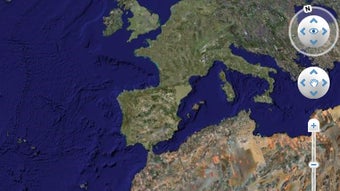
While the plug‑in no longer receives frequent updates, its core engine still supports KML (Keyhole Markup Language) files, enabling users to explore terrain, satellite imagery, and 3‑D buildings with smooth panning and zooming. Because it is a native Mac application, it integrates cleanly with the operating system’s security framework, reducing the risk of malware and providing a seamless installation experience. Whether you’re preparing a classroom presentation, testing location‑based services, or simply enjoying a virtual tour of far‑away landmarks, Google Earth Plug In offers a reliable, cost‑free solution that complements the broader Google Earth ecosystem.
Key Features
- KML support: Load and render KML files for custom placemarks, paths, and polygons.
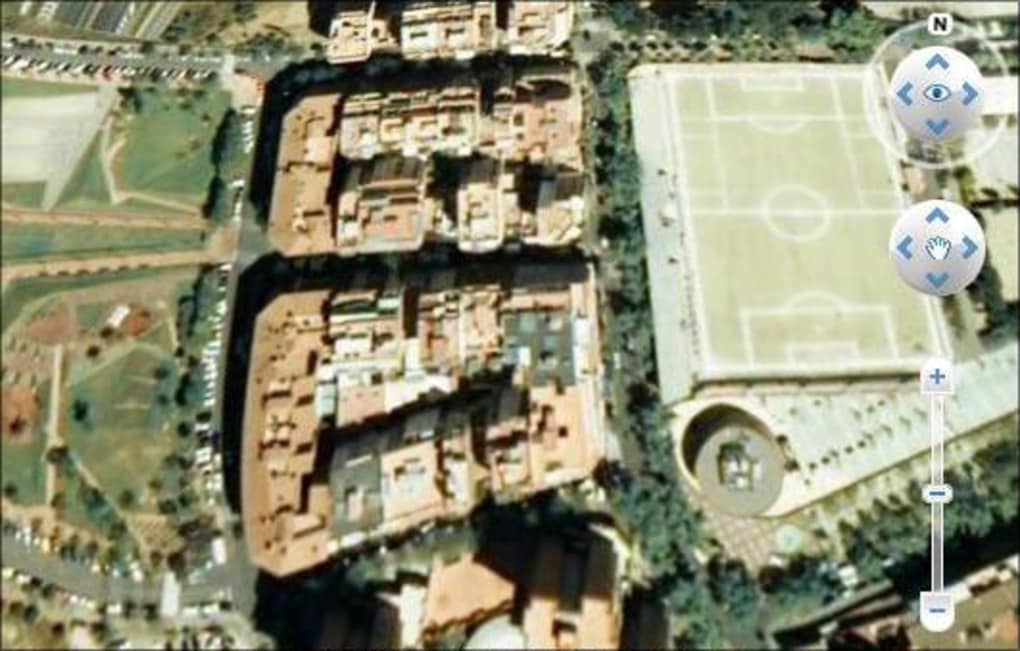
- High‑resolution satellite imagery: Access Google’s up‑to‑date imagery layers directly within the plug‑in.
- 3‑D terrain and buildings: Experience realistic elevation data and 3‑D structures for major cities.
- Browser integration: Works with Safari and other macOS‑compatible browsers that still support NPAPI plug‑ins.
- Low system footprint: Requires minimal CPU and RAM, making it suitable for older Mac hardware.
- Free and open‑source friendly: No licensing fees, ideal for educational institutions and hobbyists.
- Secure installation: Signed by Google, the plug‑in passes macOS Gatekeeper checks.
These features combine to create a versatile tool that bridges the gap between web‑based mapping services and desktop GIS workflows. While newer browsers have moved away from NPAPI technology, the plug‑in still finds relevance in legacy environments and specialized applications where direct KML rendering is required. Users appreciate the plug‑in’s straightforward interface, which does not demand extensive configuration—simply install, enable in the browser, and start exploring. The ability to overlay custom data on Google’s global imagery is especially valuable for research projects, urban planning demos, and travel enthusiasts who want to visualise routes or points of interest in three dimensions.
Installation & Usage Instructions
Step‑by‑step installation
- Download the installer from the official Google Earth Plug‑In page or a trusted mirror.
- Open the
.dmgfile and drag the “Google Earth Plug‑In” icon into yourApplicationsfolder. - When prompted by macOS Gatekeeper, click “Open” to allow the application to run.
- Restart your web browser (Safari is the most compatible) and navigate to
Preferences → Advanced → Plug‑insto enable the Google Earth Plug‑In. - Visit any website that embeds Google Earth content (e.g., a KML viewer) and the plug‑in will load automatically.
Basic usage tips
After enabling the plug‑in, you can interact with the 3‑D globe using standard mouse gestures: scroll to zoom, click‑drag to rotate, and double‑click to centre a location. To load a custom KML file, simply drag the file onto the browser window or use the “Open” dialog provided by the embedded viewer. The plug‑in also supports layer toggling, allowing you to switch between satellite, terrain, and hybrid views. For developers, the plug‑in exposes a JavaScript API that lets you programmatically control the camera, add markers, and respond to user events—perfect for building interactive geographic dashboards.
Compatibility: Google Earth Plug‑In requires macOS X 10.9 (Mavericks) or later. It works best with Safari 10‑12, though some users report success with older versions of Chrome that still support NPAPI plug‑ins. The plug‑in does not run on iOS or Android devices, as those platforms rely on the native Google Earth mobile apps.
Because the plug‑in is no longer actively maintained, you may encounter occasional rendering glitches on newer macOS releases. In such cases, clearing the browser cache or reinstalling the plug‑in often resolves the issue. For users seeking a more modern solution, Google recommends the WebGL‑based Google Earth Studio, but the legacy plug‑in remains a viable option for specific use‑cases that require direct KML integration.
Pros, Cons & Frequently Asked Questions
Pros
- Completely free with no hidden fees.
- Lightweight and runs smoothly on older Mac hardware.
- Native support for KML files, enabling custom geographic data overlays.
- Secure, signed by Google and passes macOS Gatekeeper.
- Easy installation process for macOS users.
Cons
- Relies on outdated NPAPI technology; not supported by the latest browsers.
- No longer receives regular updates or bug fixes.
- Limited to English language interface.
- Incompatible with iOS and Android devices.
- Some advanced features (e.g., high‑resolution terrain) may be slower on very old Macs.
FAQ
Is Google Earth Plug‑In still safe to use on modern macOS versions?
Yes. Although the plug‑in is built on legacy NPAPI technology, the binary is signed by Google and passes macOS Gatekeeper checks. Users should download it from reputable sources and keep their browsers updated.
Can I use the plug‑in with Chrome or Firefox?
Only older versions of Chrome (pre‑v45) and Firefox (pre‑v52) that still support NPAPI plug‑ins can run Google Earth Plug‑In. Safari remains the most reliable browser on macOS for this add‑on.
How do I load my own KML files?
Simply drag the KML file onto the browser window displaying a Google Earth view, or use the “Open” dialog provided by the embedded viewer. The plug‑in will render the file instantly.
Is there a paid version with more features?
No. Google Earth Plug‑In is completely free. For advanced capabilities, Google offers the commercial Google Earth Enterprise and the WebGL‑based Google Earth Studio.
What should I do if the plug‑in stops working after a macOS update?
Try clearing your browser cache, reinstalling the plug‑in, or using Safari’s “Develop → Disable Extension” toggle to reset the plug‑in environment. If problems persist, consider using the newer Google Earth web version.
Conclusion & Call to Action
Google Earth Plug‑In remains a valuable, free tool for Mac users who need quick access to 3‑D globe visualisation and KML rendering without the overhead of a full GIS package. Its lightweight nature, secure installation, and straightforward feature set make it especially appealing for educators, developers, and hobbyists. While the reliance on legacy browser technology limits its long‑term viability, the plug‑in still serves niche scenarios where direct KML integration is essential. If you’re looking for a no‑cost solution to embed Google Earth content in a macOS environment, downloading and installing Google Earth Plug‑In is a sensible first step. Remember to keep your browser compatible, and consider transitioning to Google’s modern WebGL Earth platform when you need cutting‑edge performance.
Download Google Earth Plug‑In now and start exploring the world in three dimensions—free, secure, and right from your Mac.
Google Earth Plug‑In delivers solid performance for its niche audience, offering essential KML support and smooth 3‑D navigation on macOS. While the lack of recent updates is a drawback, its free price tag and low system requirements keep it relevant for educational and lightweight professional use.







